AI Product Video Generator: Your Product, Every Scene, Same Packaging
Text-to-video melts logos and redraws packaging, which makes its output unusable for ads. Reference-based generation fixes this: show the model the exact product photo (and a style reference for the scene), and every generated shot keeps the same packaging, colors and label.
References close the gap. Reference image 1 is your product photo — the model reproduces that exact packaging instead of inventing one. Reference image 2 (optional) is the scene style — studio, outdoor or lifestyle — so every shot matches the campaign look.
Try it: product video generator
Sign in with Google in 1 second — check in daily for free credits (up to 60 a week)What you can do for free →
Showcase Demos & Prompts
Click 'Generate with this prompt' to auto-fill the generator above
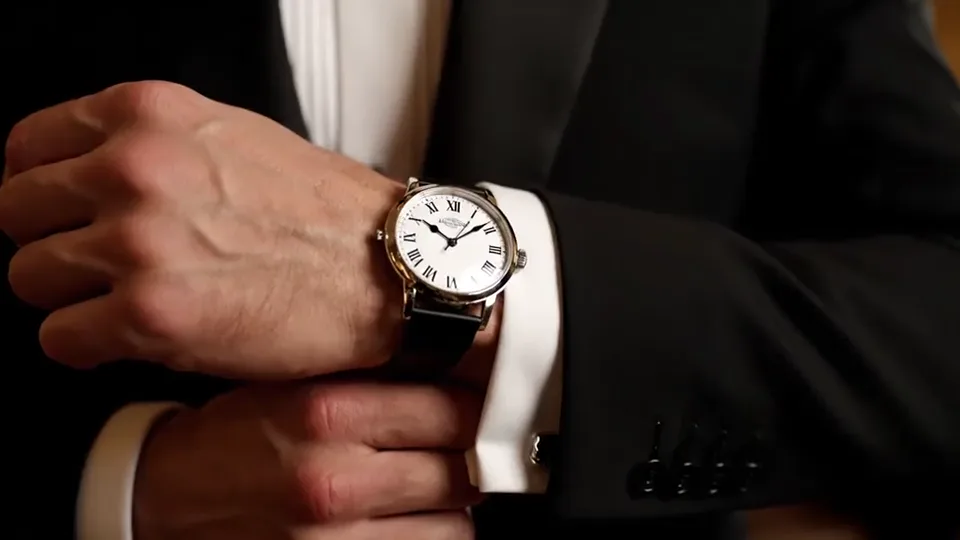
Luxury Watch Macro Commercial
A luxury mechanical wristwatch slowly rotates on dark brushed stone, studio key lights sweeping across the dial and bezel, cinematic commercial lighting
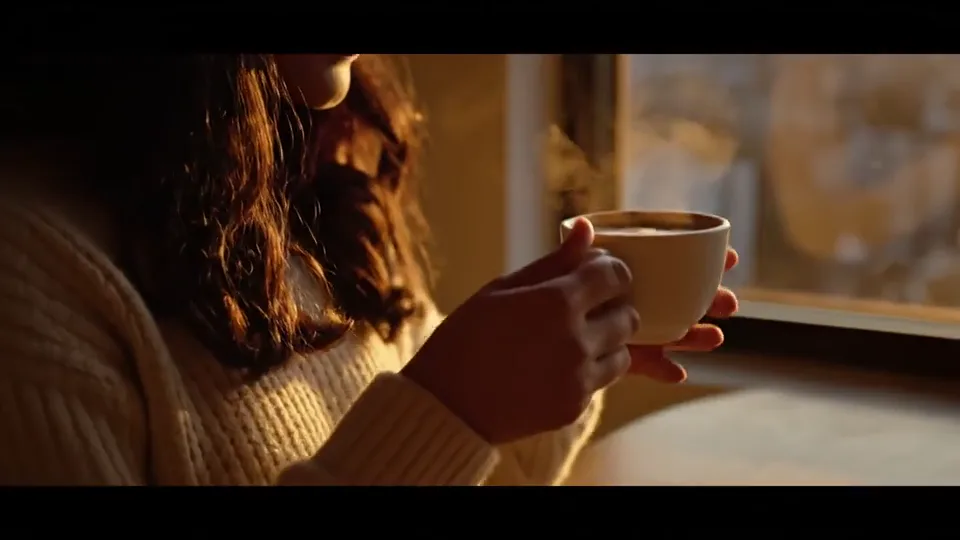
Artisan Coffee Morning Showcase
An artisan coffee cup and beans on a rustic wooden table, morning sunlight streaming through blinds onto the latte art, gentle steam rising
Why product videos need references (and how consistency is locked)
A prompt like 'a perfume bottle on a marble table' produces a different bottle every time — the label blurs, the logo mutates, the color shifts. For advertising, that is unusable footage.
References close the gap. Reference image 1 is your product photo — the model reproduces that exact packaging instead of inventing one. Reference image 2 (optional) is the scene style — studio, outdoor or lifestyle — so every shot matches the campaign look.
This is the standard workflow for Shopify, Amazon and brand teams: one clean product photo becomes a whole campaign — lifestyle scenes, seasonal variants and multi-angle shots — without a studio day.
How to make a product video in Sesshu
- STEP 011 / 4
Shoot one clean product photo
A sharp photo on a plain background, label facing the camera. This single photo is the identity of the product in every scene.
- STEP 022 / 4
Attach the product as a reference
In the generator below (or at /reference-to-video), attach the product photo as reference 1.
- STEP 033 / 4
Describe the scene, attach the style
Write the setting and lighting — 'rotating slowly on wet stone, soft morning light' — and optionally attach a style reference for the campaign look.
- STEP 044 / 4
Generate every scene from the same reference
Keep the same product reference for every shot of the campaign so the packaging and logo stay identical across scenes.
Product video FAQ
Will the logo and packaging stay consistent?
+
Yes — that is exactly what the product reference does. The model reproduces the packaging from your photo instead of inventing one, so the label and logo survive every scene.
How many reference images can I use?
+
Seedance 2.0 accepts up to 9 references, Seedance 2.5 up to 30. A common setup: reference 1 = product, reference 2 = scene style, reference 3 = brand color or texture.
Can I use it for ads and online stores?
+
Yes. Generated videos can be used in your product pages and ad creatives; commercial usage rights follow the plan you generate on. Always double-check the packaging render before publishing.
Is it free to try?
+
Yes. Free credits via daily check-in (6–12/day, up to 60/week) cover several short product test shots. No credit card required.
Do product videos download without a watermark?
+
All videos generated on a paid subscription or credit pack download without a watermark and are ready for store pages and paid ads. Free-credit downloads carry a Sesshu watermark for evaluation.
Can I export vertical 9:16 clips for TikTok/Reels and write prompts in my language?
+
Yes. You can switch between 9:16 vertical, 16:9 widescreen, and 1:1 square aspect ratios and write prompts directly in your own language in the browser.